Important:
The new subcategories feature is rolling out.
If your categories appear in a list, you have the new version. Learn how to sort products in categories and subcategories.
Make sure your best products are noticed by placing them front and center.
To reorder products on your site, go to the Categories tab in your site's dashboard. When you reorder products there, it changes the order on your site, wherever you display that category.
To reorder products:
Go to Categories in your site's dashboard.
Select the relevant category.
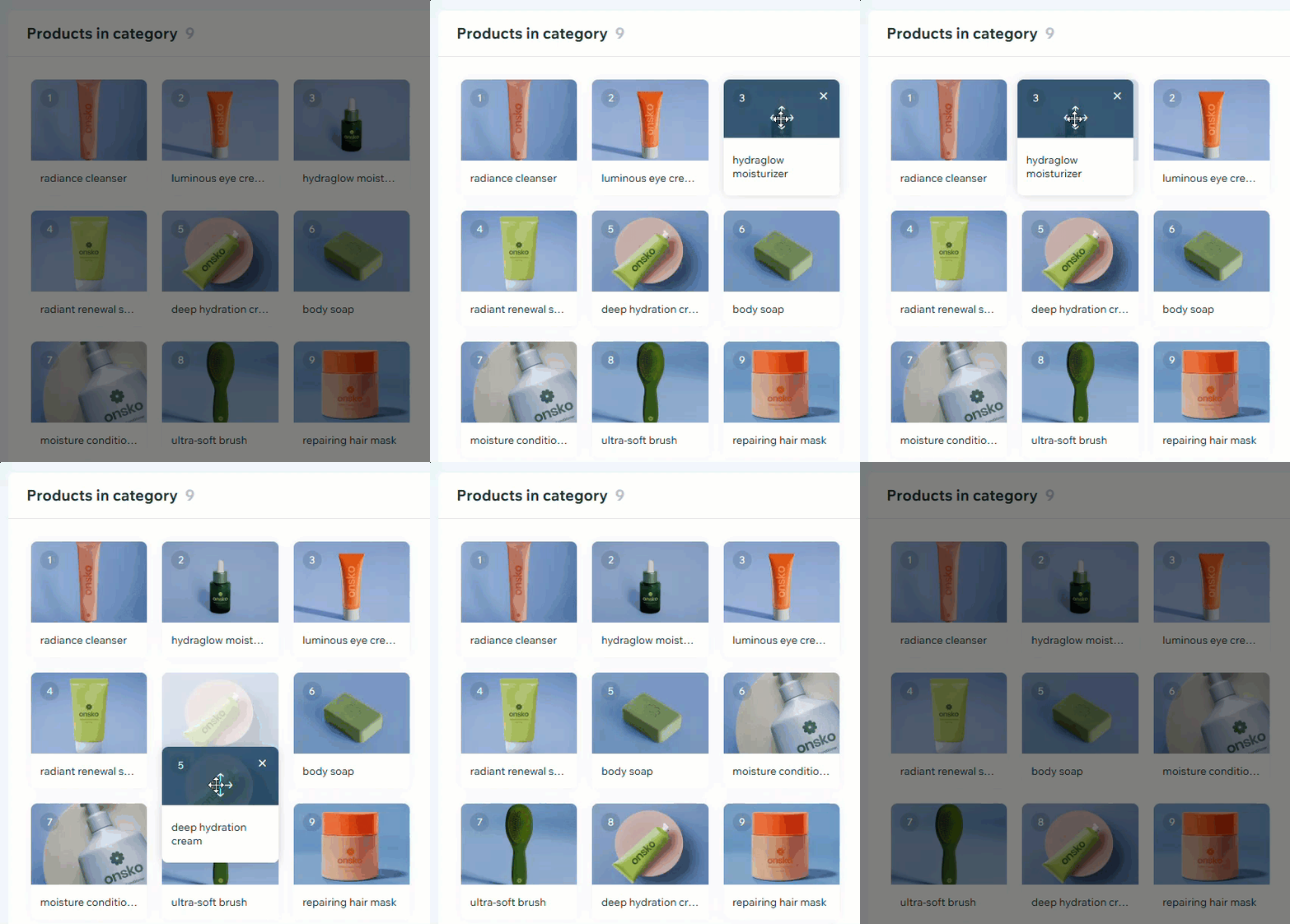
Click and drag the products to change the order.
Click Save.
Tip:
If you're using the Category Page, you can override the product order you set in the dashboard.
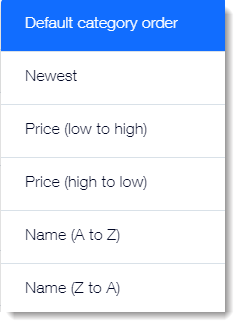
To do so, click the Category Page in your editor, click Settings, and select the Sorting tab. You can select any of the following order choices from the Order products by drop-down.
This article is credited to the Wix team - https://support.wix.com/ and we thank them for that!
