Manage your group so it truly reflects your community's vision and goals. You can personalize every aspect, from the group's basic information and privacy settings to its posts, members, tabs, and topics. Update these settings at any point as your group evolves.
Dashboard
Go to Groups in your site's dashboard.
Click the More Actions icon

next to the relevant group.
Select Manage.
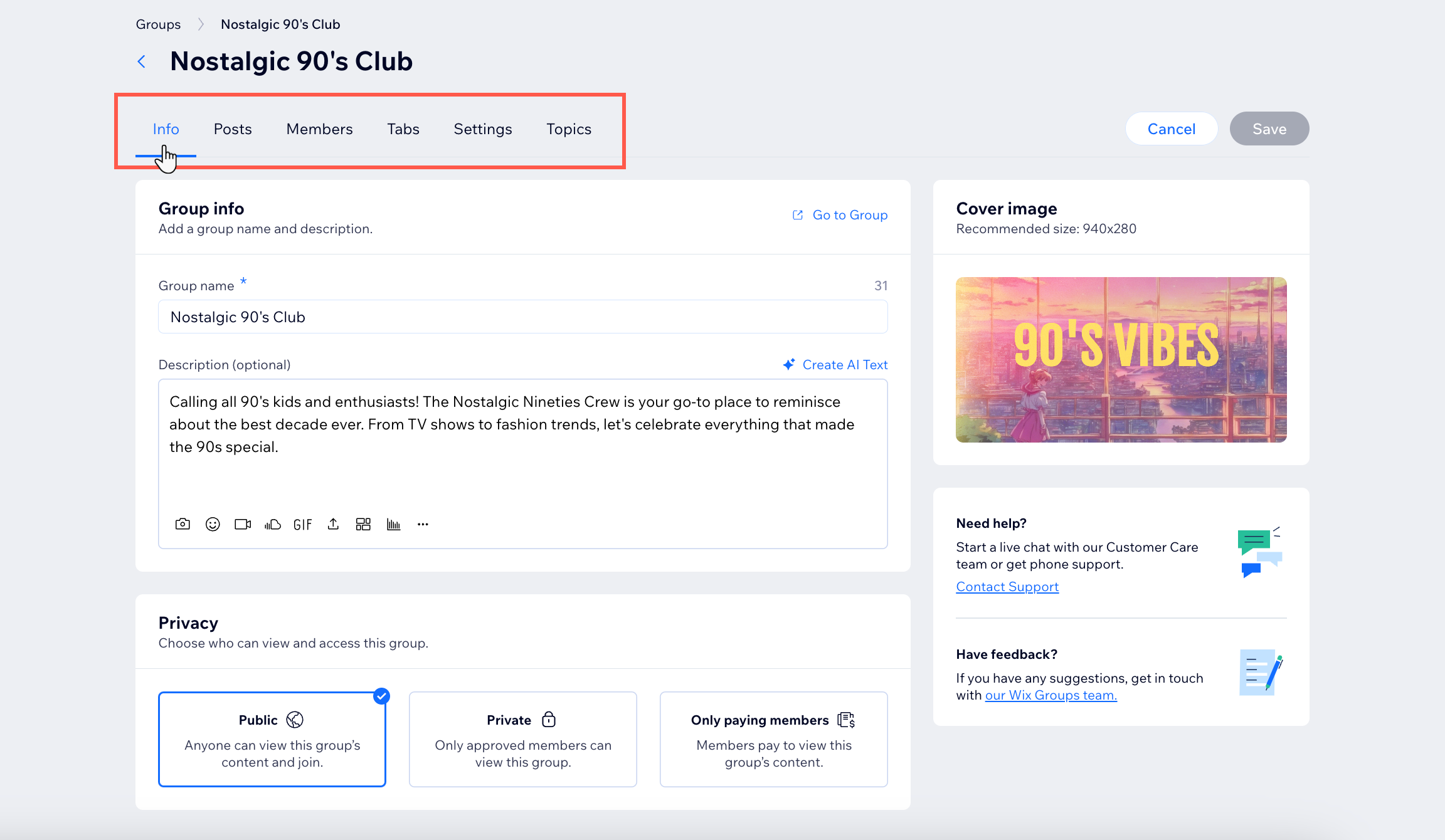
Select the relevant tabs to manage your group:
Info
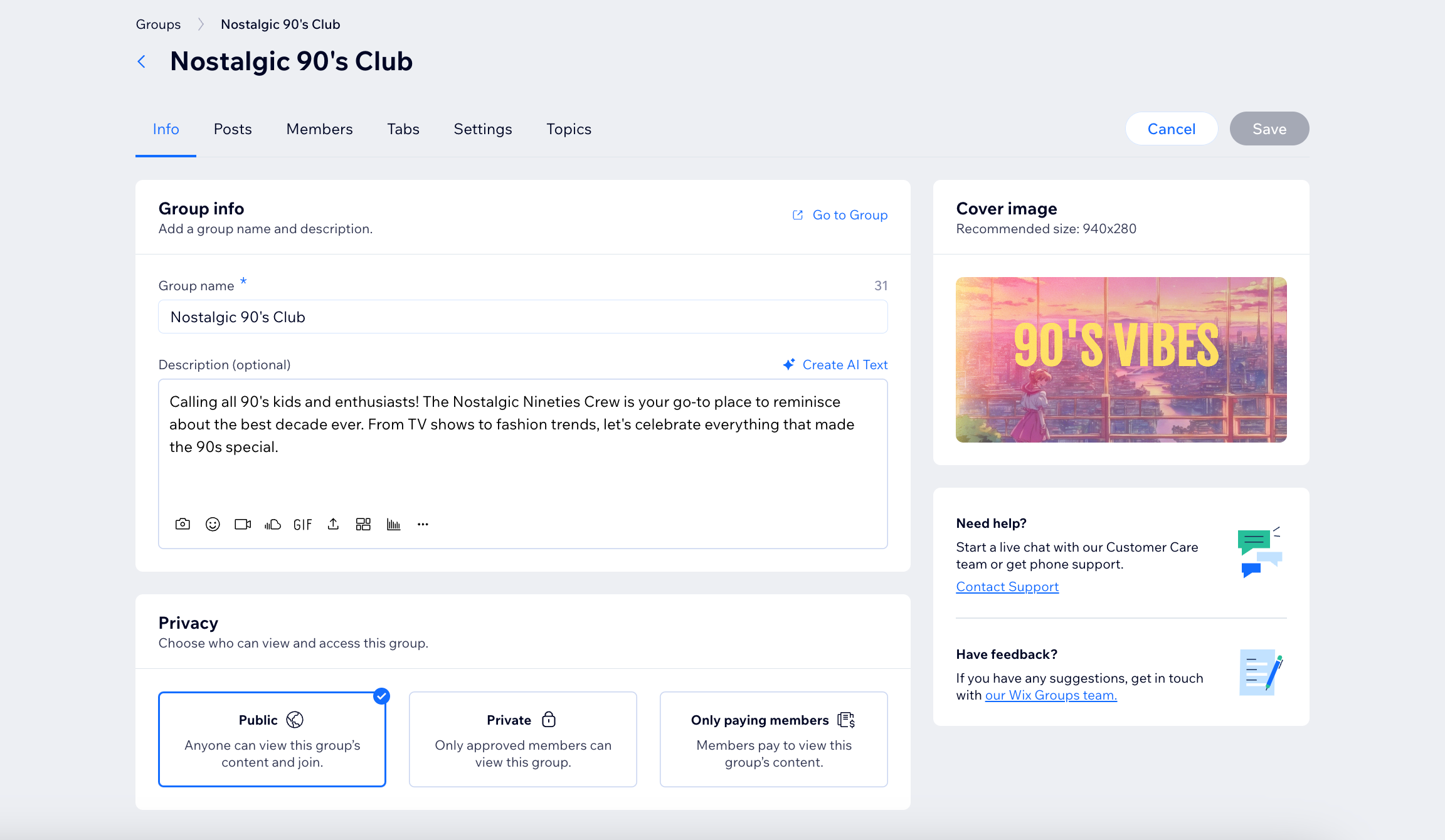
Add or change the group's name and description.
Add or change your group's cover image.
Choose who can view and access your group.
Public: Anyone can view this group’s content and join.
Private: Only group members can view this group’s content.
Only paying members: Members pay to view this group’s content.
Posts
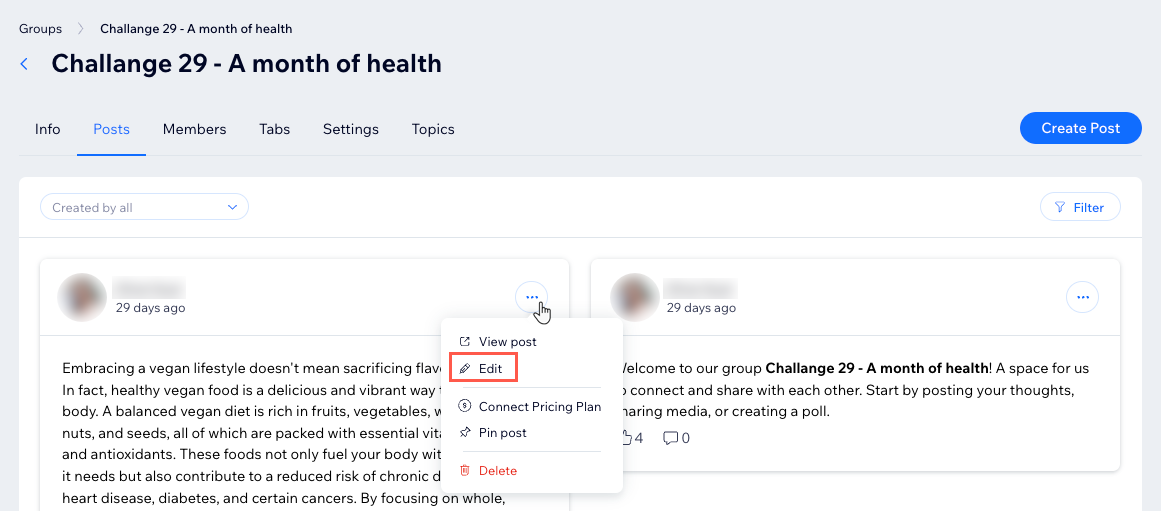
Learn more about managing your posts.
Members
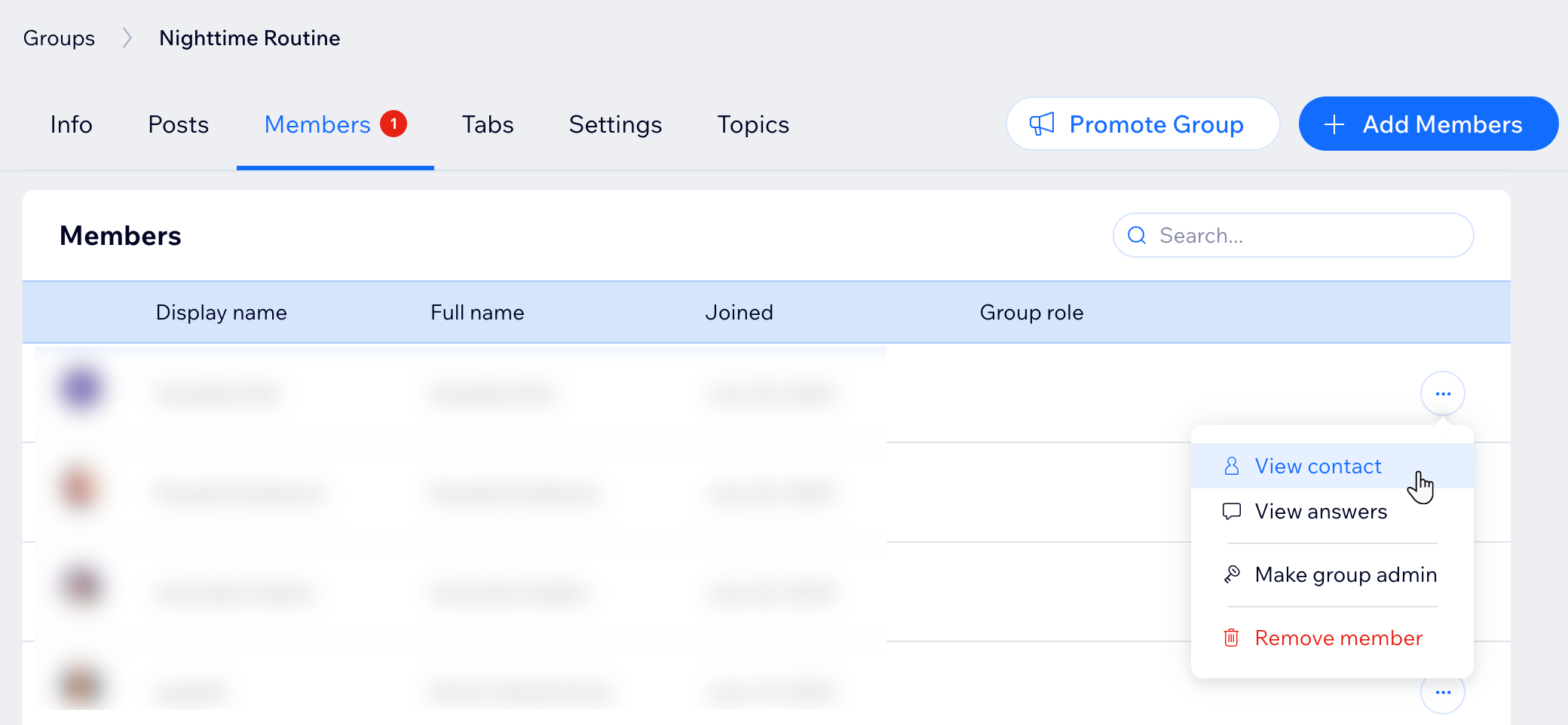
Learn more about managing your group's members.
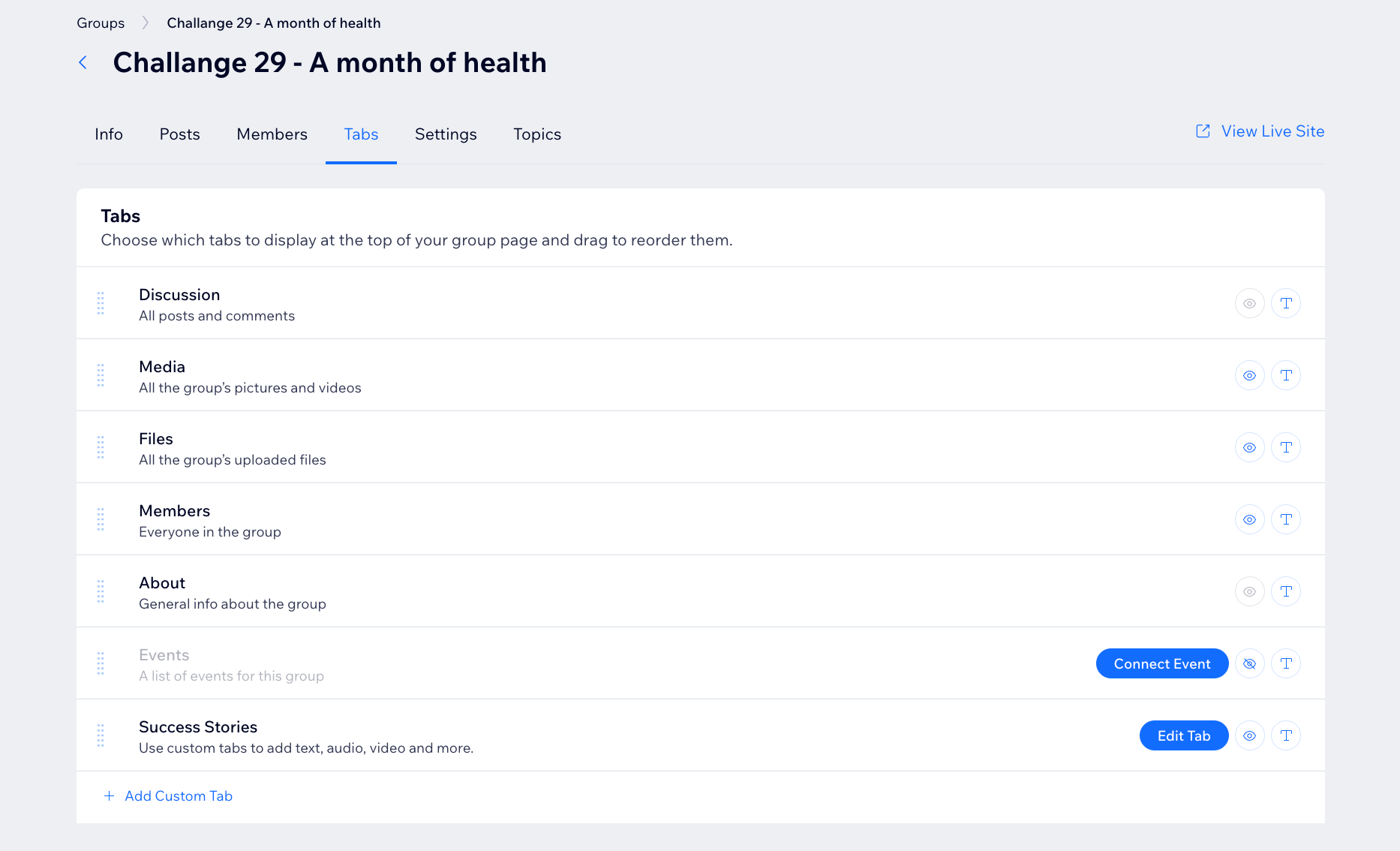
Tabs
Learn more about managing your tabs.
Using Wix Events?
You can also edit the Events tab to choose which events are connected to the group.
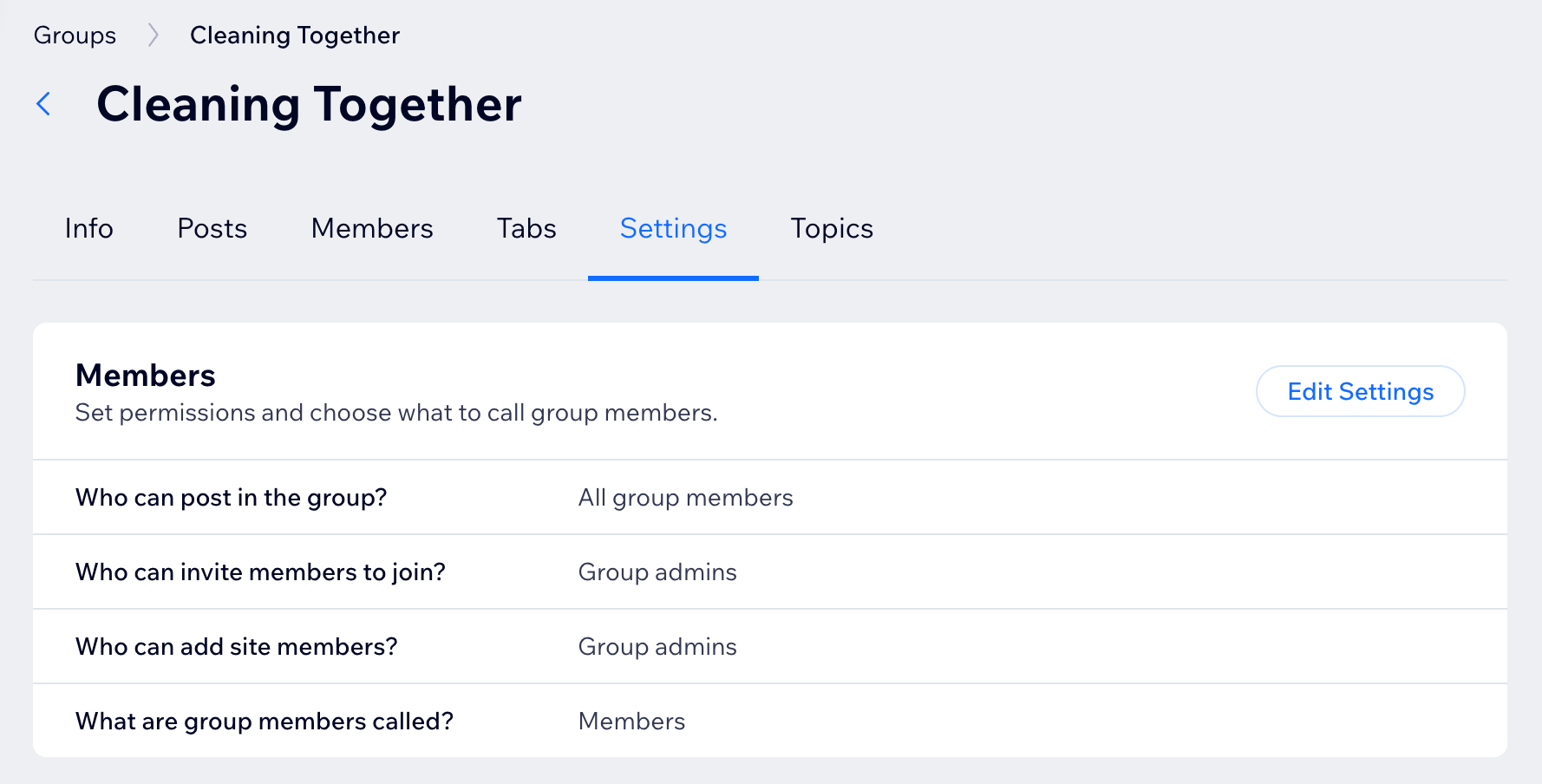
Settings
Learn more about customizing your settings.
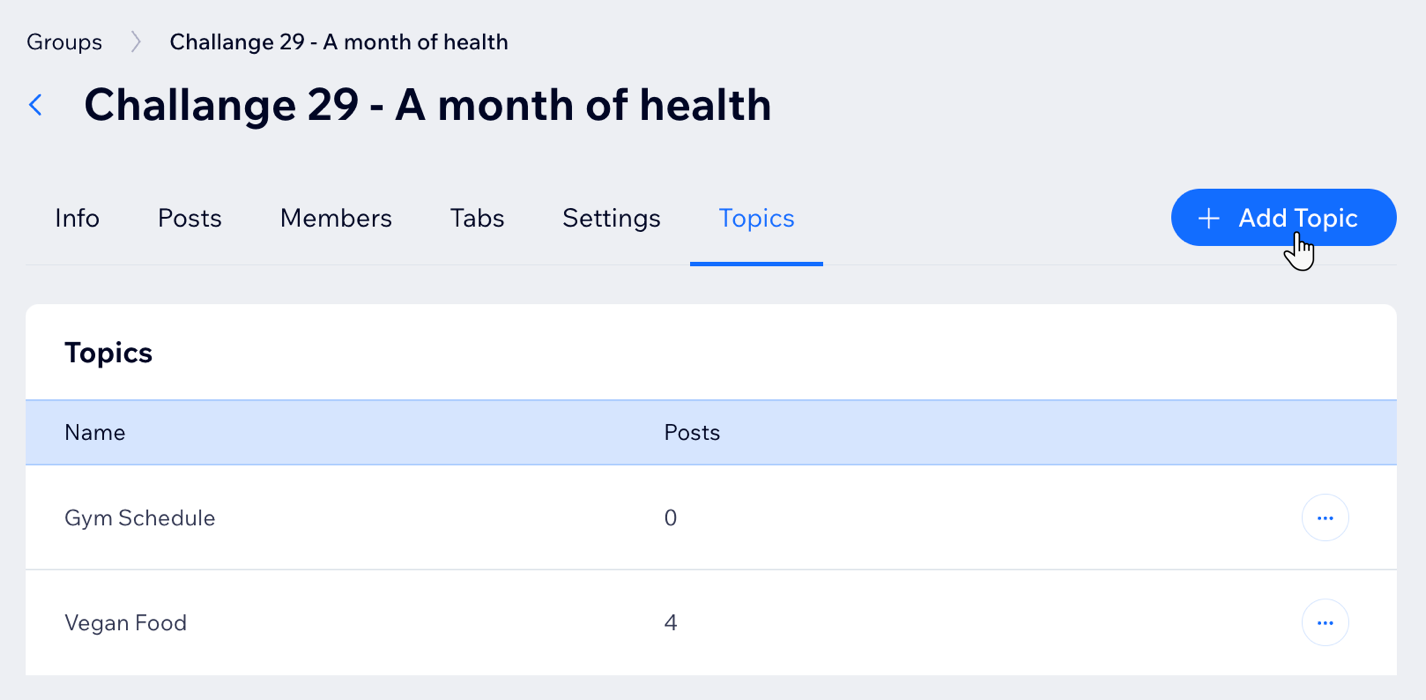
Topics
Learn more about managing your group's topics.
What's next?
Design your group to reflect your content and site style.
Wix app
Go to your site in the Wix app.
Tap Manage

at the bottom.
Tap Groups.
Tap the relevant group.
Choose what you want to manage:
Info
Tap Edit and choose what to do next:
Add or change the group's name.
Add or change your group's cover image.
Choose who can view and access your group.
Public: Anyone can view this group’s content and join.
Private: Only group members can view this group’s content.
Members
Learn more about managing your group's members.
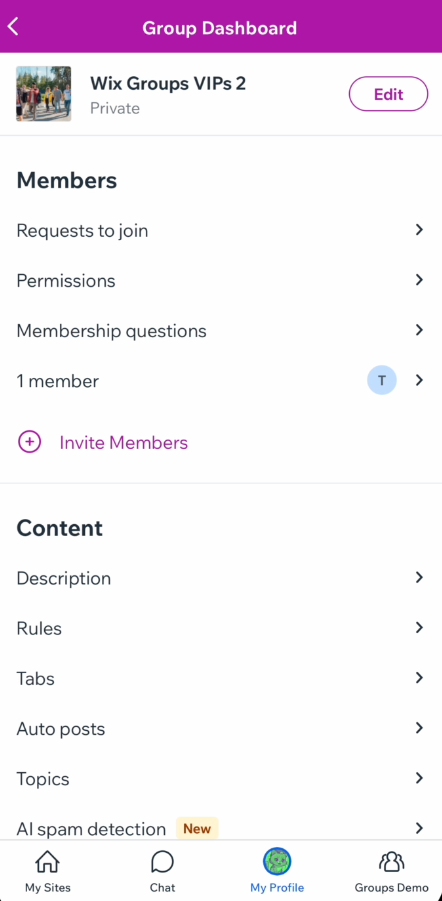
Content
Update your group description.
Customize your Rules, Tabs, Auto PostsandTopics.
Enable AI spam detection.
Events
Learn more about connecting events to your group.
Notification
Select the App and Email notifications you want to get from your group.
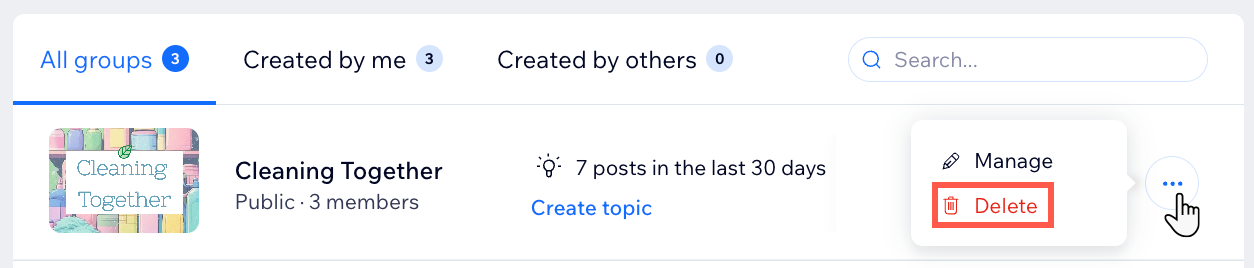
Want to delete your group?
You can delete your group from the same location in your site's dashboard. Once you delete your group, all its content is lost and cannot be restored.
Go to Groups in your site's dashboard.
Click the More Actions icon
next to the relevant group.
Select Delete.
Click Delete in the pop-up to confirm.
This article is credited to the Wix team - https://support.wix.com/ and we thank them for that!
