When sharing your site on LinkedIn, your og:image is displayed as well. If you see an incorrect image on your LinkedIn post, follow the steps below to update it.
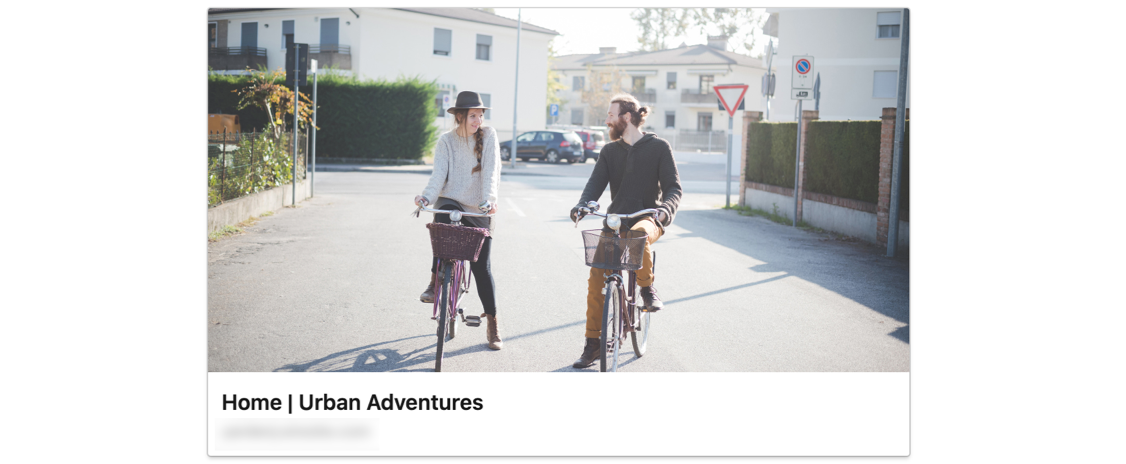
To update the share image on LinkedIn:
Set an og:image for each page of your site, or set one for all pages.
Log in to LinkedIn.
Go to the LinkedIn Post Inspector.
Enter the URL of the page, article, or blog post that you want to share. The preview of your LinkedIn Post should now show the correct image.
Important:
LinkedIn uses its own criteria to choose the best title, description, and image for the pages that get shared on it. While it's likely that LinkedIn will use the information that you added in your editor, it's not guaranteed.
After you change your page information, it can take up to a week for the new information to appear in LinkedIn shares.
This article is credited to the Wix team - https://support.wix.com/ and we thank them for that!
