Sites that have subpages display a drop-down arrow on the mobile menu that opens the subpage menu. If you can't see your subpages or the drop-down arrow, then it's usually because the color of the arrow is the same color as the mobile menu box.
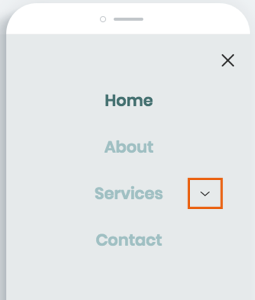
To fix this, you need to change the color of the drop-down arrow.
To change the color of the drop-down arrow:
Go to your mobile editor.
Click the mobile menu.
Click Edit Menu.
Click the menu.
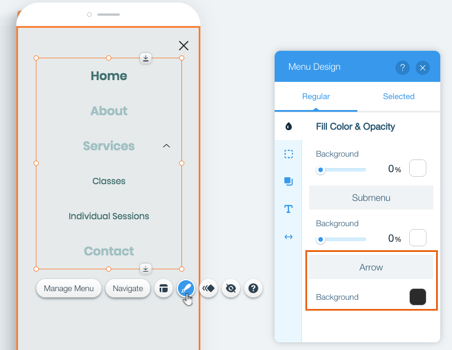
Click the Design icon

.
Click Fill Color & Opacity.
Click the color box under Arrow and select a new color.
This article is credited to the Wix team - https://support.wix.com/ and we thank them for that!
