Shape dividers are graphic shapes you can use to create unique, fluid transitions between strips and sections. There are lots of designs and customization options available, so you can really personalize your layout and create eye-catching pages.
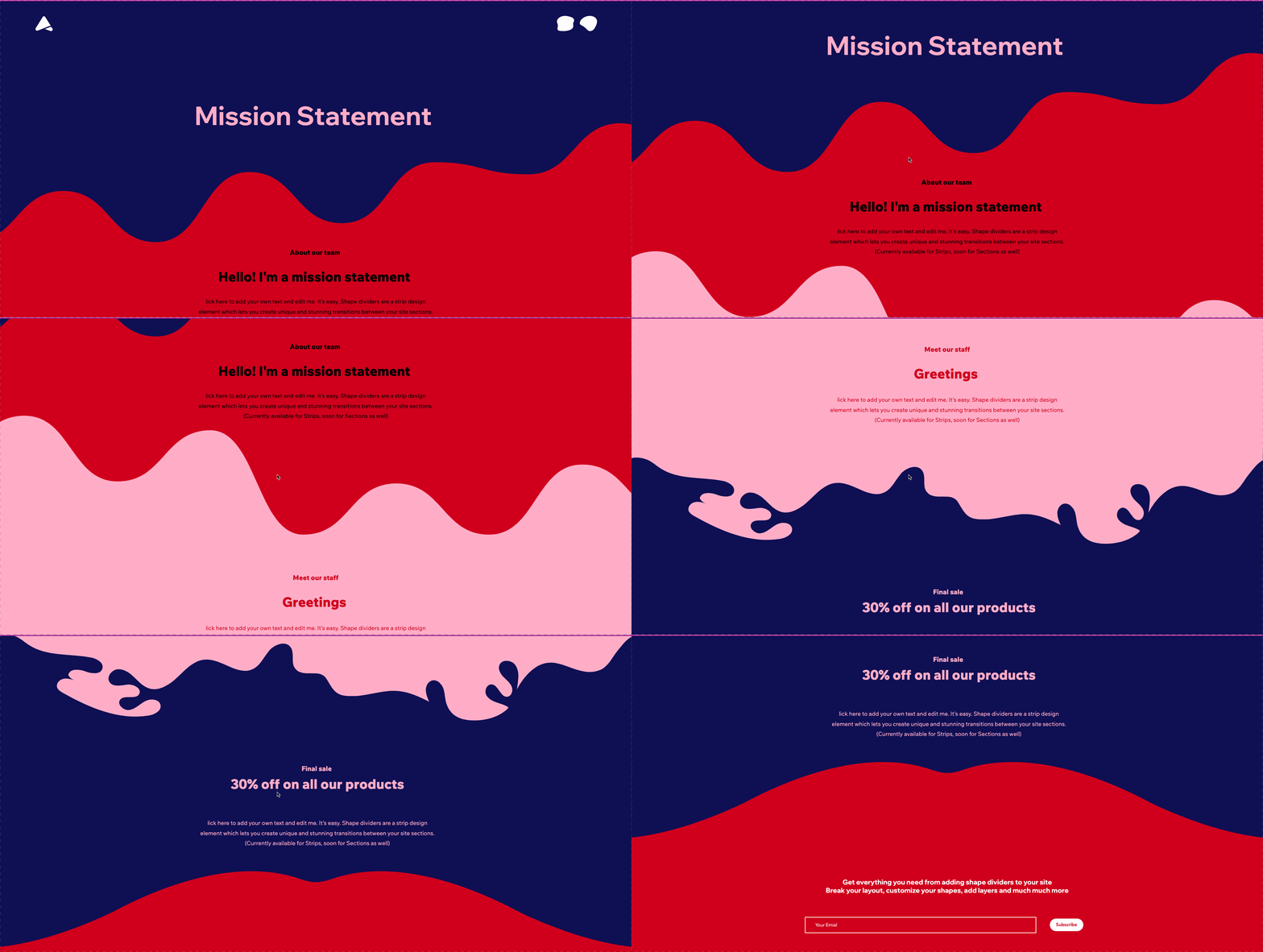
Enhance the design of your sections and strips
Shape dividers are graphic shapes you can apply to the top and / or bottom of your strip or section to add a unique, professional touch. Since they divide the sections / strips on your page, you can use shape dividers to create the perfect transition between pieces of content.
Whether you want strong, impactful angles, or prefer soft, fluid shapes, there are a variety of designs available to suit your needs. In the Media Manager, you can find even more complex shapes and patterns.
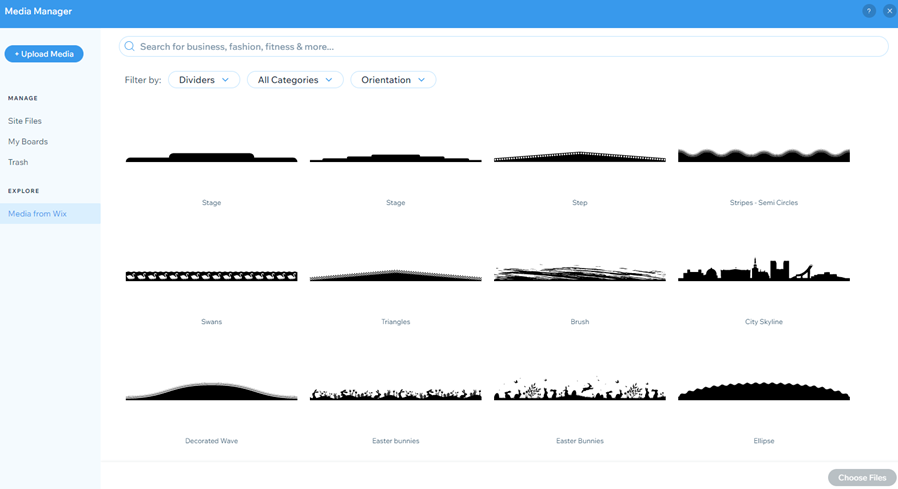
Use your own unique shapes
In addition to our suggested shapes, you can also upload your own custom dividers. Custom shape dividers are a great way to reinforce your brand, and add a personal touch to your content.
Choose a file from your computer, or export a file from a vector editing software. After adding your file, you can adjust the design to make it look exactly how you want.

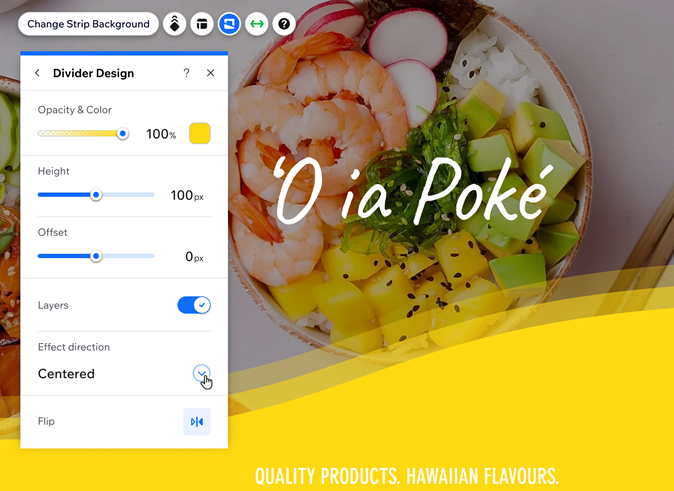
Personalize the shape divider
After selecting a divider, adjust its design to create striking, streamlined layouts. You can use the design options to complement your strip or section's theme, or stand out against the content. Choose the color, set the visibility, and change its position to make it look how you want.
FAQs
Are shape dividers responsive?
Some shape divider designs are fully responsive, which means they adjust to the size of your visitors' screens.
More complex designs (such as New York Skyline and Bottom of the Sea) cannot stretch without losing their proportions, so they're automatically scaled / cropped for the screen size.
What kind of custom shape dividers can I upload?
It is only possible to upload and use SVG files as shape dividers on your site. PNG and JPG files are not supported.
When uploading your SVG, keep the following in mind:
SVG files you upload must be no larger than 250KB.
The recommended proportion size for your own SVG files is a width of 1920px, and a height between 50-300px.
Can I customize the design of my own uploads?
Yes. The available design options for your custom divider depend on the specific file you upload.
In order to customize the design of your SVG, the file needs to:
Be a closed shape.
Only contain one level of opacity (transparency).
Not contain any text, strokes, gradients, filters etc.
Additionally, you can only change the color of SVG files that are the color RGB = #000000 (black). Learn how to customize custom shape dividers
Can I add dividers to columns on a strip?
It is not possible to add shape dividers to columns. However, you can add columns to strips that include shape dividers.
How do they work on mobile?
Shape dividers are automatically carried over to your mobile site, and are fixed at 50px.
You can customize dividers you've added from the desktop editor to create unique content for mobile visitors, however it is not possible to add mobile-only dividers from the Add to Mobile panel.
This article is credited to the Wix team - https://support.wix.com/ and we thank them for that!
