Update the Wix app so you never miss new feature releases. There are a variety of benefits to having the latest version of the app, such as improved functionality, bug fixes and a seamless user experience.
Updating your Wix app
Update your Wix app to the latest version. When you have most recent app version, you can enjoy new features and capabilities to help turn your site visitors into members.
To update your Wix app:
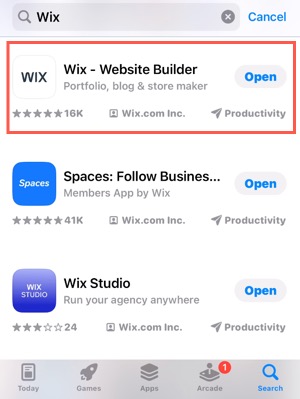
Go to the Apple App Store (on iPhone) or Google Play (on Android).
Search for 'Wix'.
Tap Update (if available).
Note: If no update is available, it means you already have the most up to date version and you can tap Open to access the app.
FAQs
Click a question to learn more about updating your Wix app.
Can I set up Wix app to update automatically?
Yes. You can go to the relevant app store and change the settings.
Google Play (on Android): You can update your Android apps one at a time, all together, or automatically.
Apple App Store (on iPhone): Apps that you download from the App Store are automatically updated by default. You can change this setting at anytime and update an app manually.
Can I check what version of the app I have?
Yes.
Open the Wix app.
Tap your profile icon at the top.
Tap About the app under Help & Feedback.
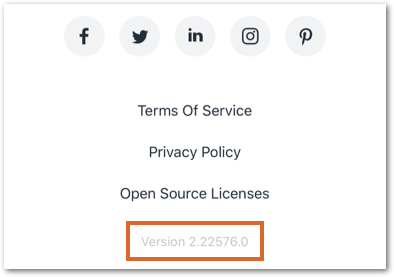
Scroll to the bottom of the screen to see the Version number.
This article is credited to the Wix team - https://support.wix.com/ and we thank them for that!
