You can decide where customers are directed any time they click an 'Add to Cart' button or the cart icon.
'Add to Cart' button navigation
An "Add to Cart" button can be displayed in the product page, the category page,any product gallery, or in the 'My Wishlist' page.
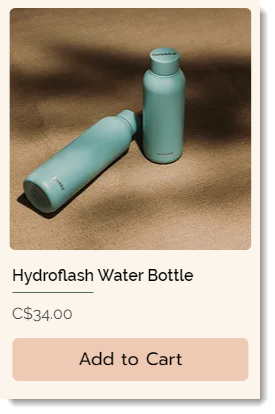
Wherever the button appears, go to the Settings tab of the relevant element, and decide what happens when it's clicked. Choose from the following options:
Show success popup: A popup notification appears (not visible on mobile).
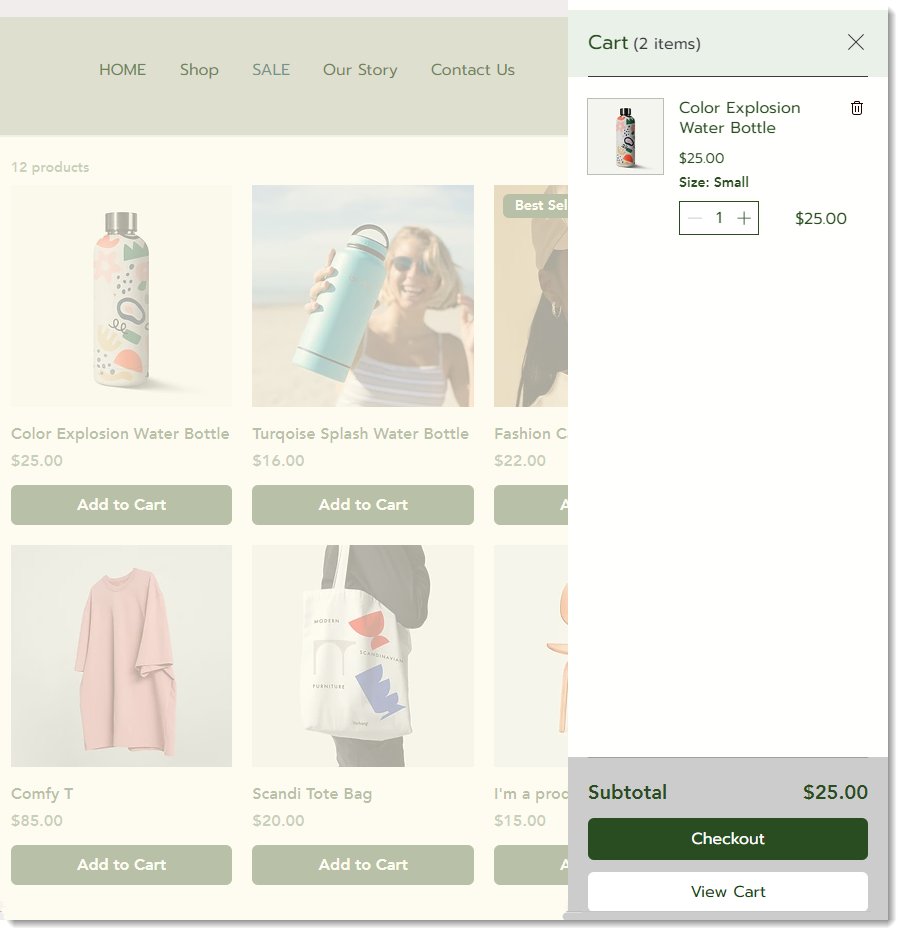
Open side cart: Side cart opens on the side of the screen.
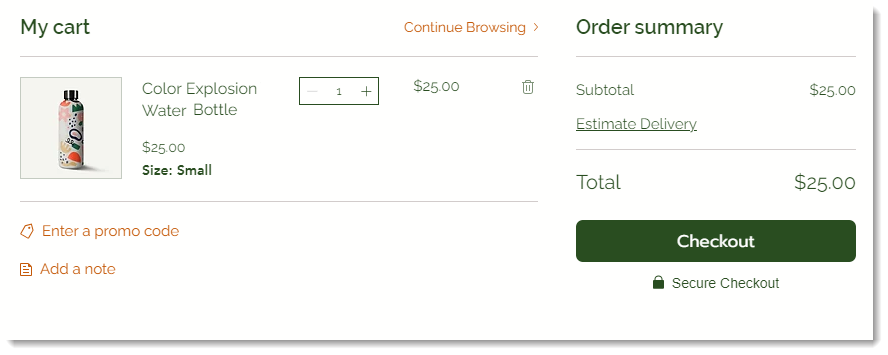
Go to cart page: Customers are taken directly to the cart page.
Stay on page: Customers stay on the current page. The button briefly displays a checkmark to indicate that the product was successfully added.
Cart icon navigation
Customize what happens when customers click your site's cart icon.

Clicking can open the side cart:
Or you can set it so that when customers click, they are directed straight to the cart page:
This article is credited to the Wix team - https://support.wix.com/ and we thank them for that!
