Different roles give collaborators access to different parts of your site and dashboard. You can update a collaborator's role as their responsibilities change over time.
Checking a collaborator's role
If you're not sure what role your collaborator has, or what they can access, you can check it on the Roles & Permissions page.
To check a collaborator's role:
Go to Roles & Permissions in your site's dashboard.
Browse or search for the relevant collaborator.
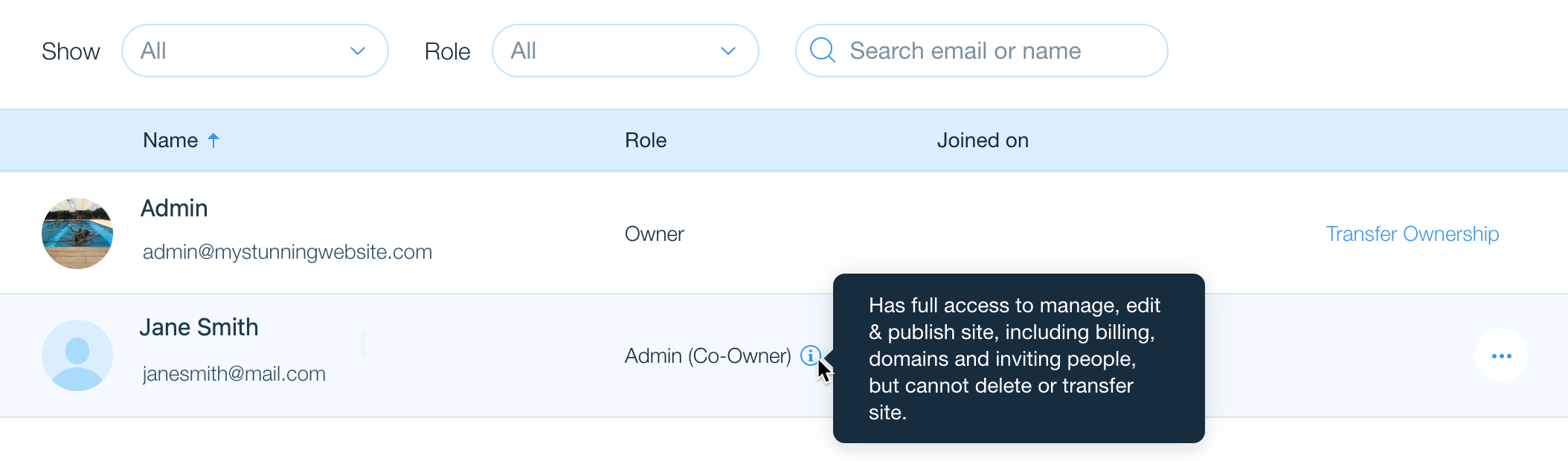
Check the role in the Role column and hover over it to learn more.
Changing a collaborator's role
You have full control over your collaborators' roles. You can change them at any time according to your needs or add an additional role.
To change a collaborator's role:
Go to Roles & Permissions in your site's dashboard.
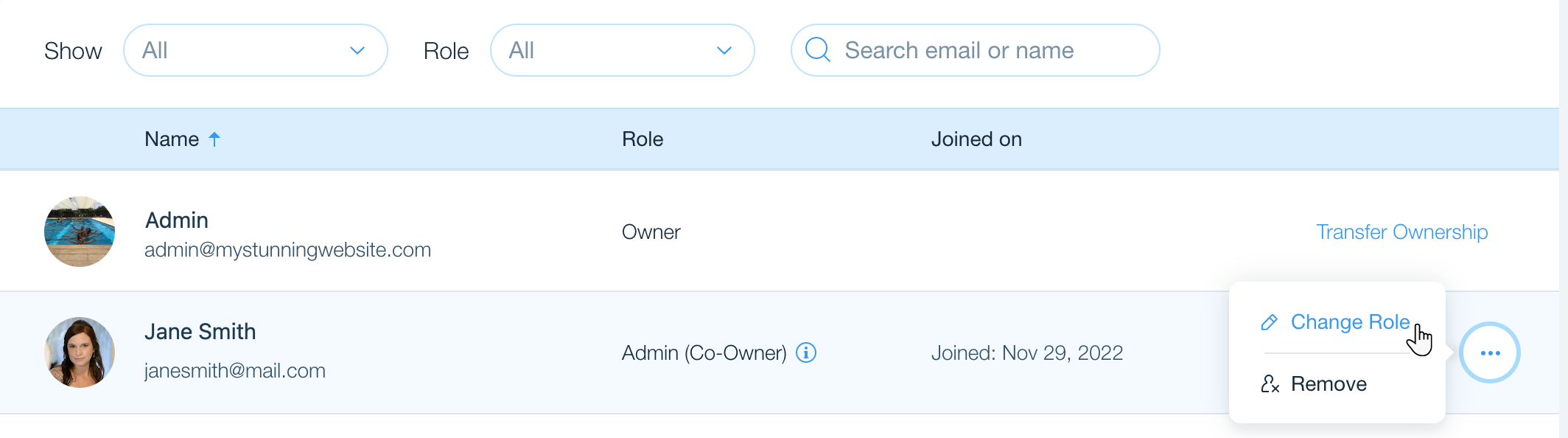
Click the More Actions icon

next to the relevant collaborator.
Click Change Role.
Select or deselect the relevant roles.
Click Save.
Removing a collaborator from your site
Remove a collaborator's access, so they can no longer log in or make any changes to your site and dashboard.
To remove a collaborator's access:
Go to Roles & Permissions in your site's dashboard.
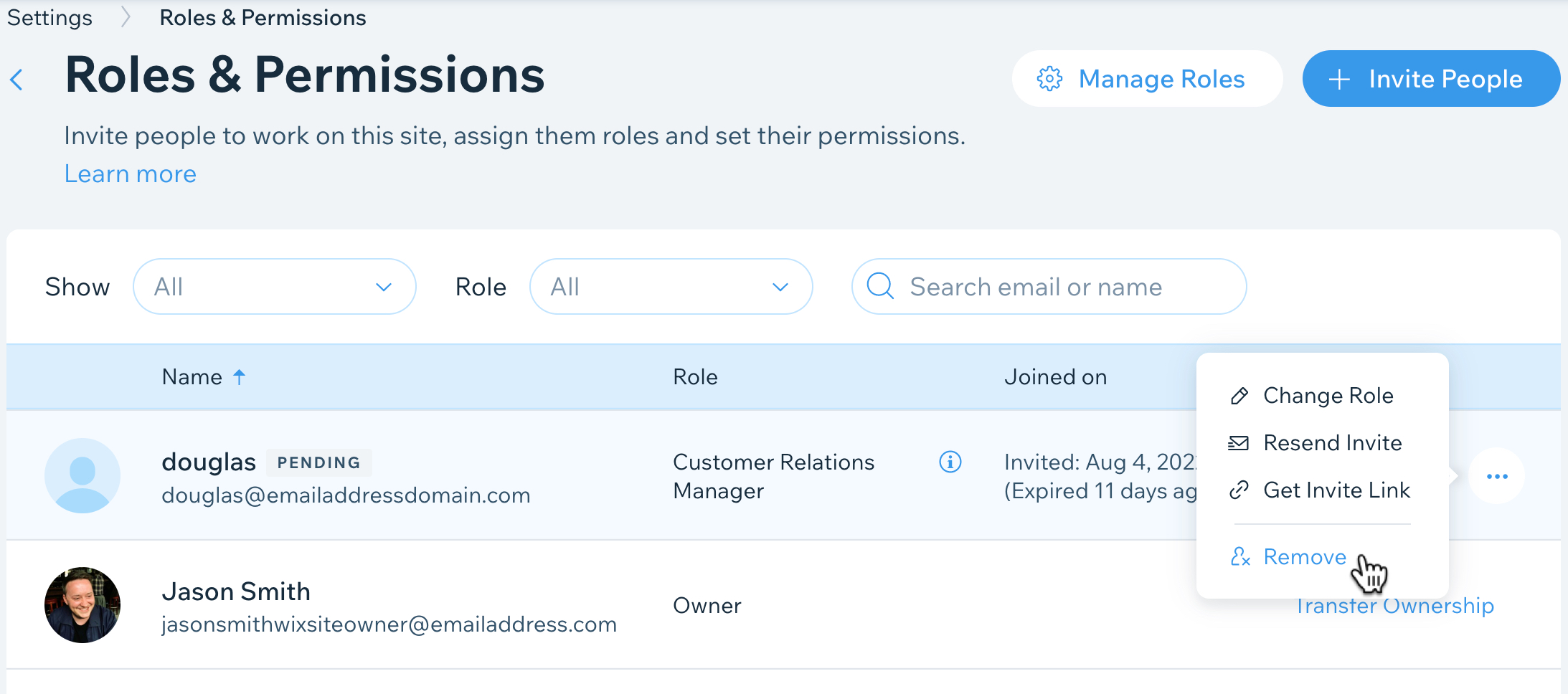
Click the More Actions icon

next to the relevant collaborator.
Click Remove.
Click Remove to confirm.
FAQs
Click a question below to learn more about changing collaborator roles.
Can collaborators remove other collaborators?
Collaborators with management-level roles can remove other collaborators, but only if they have the same permissions as the role they are removing.
How do I remove myself as a collaborator on a site?
If you no longer wish to contribute to a site, you can remove yourself as a collaborator.
How can I learn more about the different collaborator roles?
Learn more about the predefined collaborator roles or how to create your own custom role.
This article is credited to the Wix team - https://support.wix.com/ and we thank them for that!
