Quickly log in to your Wix account using the identity provided from your Facebook, Apple or Google accounts.
Show me step-by-step instructions
To manage your social logins:
Go to Account Settings in your Wix account.
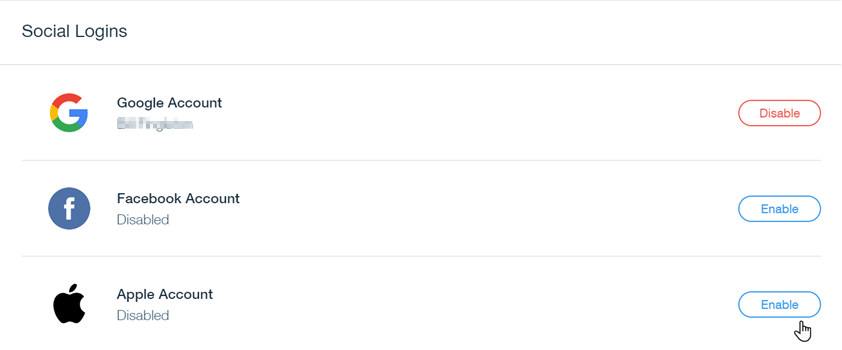
Click Enable or Disable next to the relevant social account.
Enabled: Sign in to the social account and allow access.
Disabled: The social account is disconnected. You can still log in using email and password.
Notes:
If you disable social logins, you'll still be able to log in using your Wix email and password.
Apple gives you the option to create an Apple generated email address. If using this option, be sure to remember the correct Apple email for use in your Wix account. Learn how to manage your Apple ID.
You can always update your email address in Account Settings.
This article is credited to the Wix team - https://support.wix.com/ and we thank them for that!
