Increase traffic to your site with tailored recommendations using the Wix AI Assistant. The AI Assistant analyzes your site's traffic data and offers actionable insights to boost visibility and visitor engagement.
For instance, if you're a small business owner trying to increase your online presence, the AI Assistant may recommend setting up a Google Business Profile to connect with local customers.
To grow your site traffic with AI:
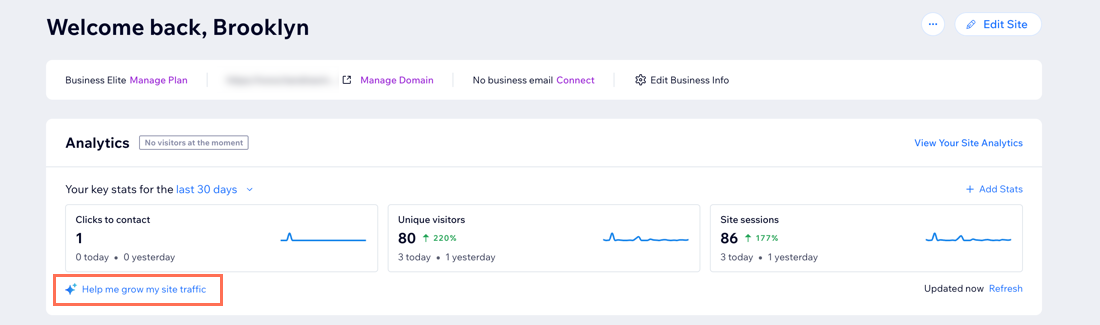
Click Help me grow my site traffic under Analytics.
Tip: This opens the Wix AI Assistant on the right. It analyzes the unique data of your site and recommends a metric to start with (e.g. organic search traffic, paid social traffic).
Depending on what the AI Assistant recommends, follow the steps below:
Optimize organic search traffic (SEO)
Type "Yes" to confirm.
Review the suggestion you got and follow the steps:
Set up your Google Business Profile: Increase your visibility with local customers, promote your site, and manage reviews with a Google Business Profile. Click Set Up Profile to get started.
Note: To create a Google Business Profile, you need a connected domain and a physical location where you serve customers.
Verify your site ownership: Get access to search data from various search engines (e.g. Google, Pinterest, Bing, and Yandex). Click Verify Ownership and verify your site.
Write a blog post: Use Wix Blog to write a blog post to grow your audience and online presence.
Connect to Google Merchant Center: Boost online visibility and increase potential sales. Click Connect to Google and follow the steps to set it up.
Optimize email marketing
Type "Yes" to confirm.
Review the suggestion you got and follow the steps:
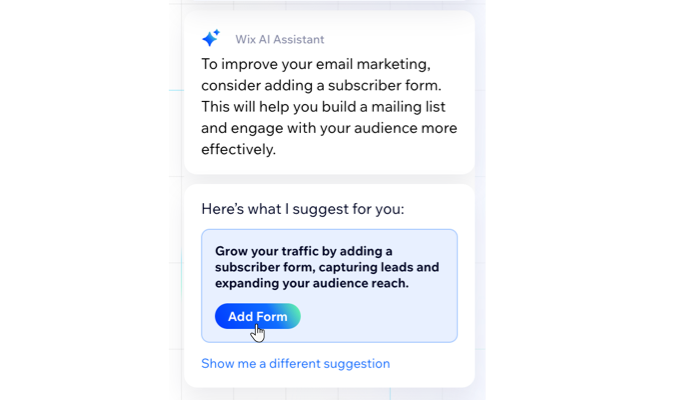
Build an email list: Add a subscribe form to your site to capture leads and expand your audience reach. Click Add Formto get started.
Create an email marketing campaign: Send newsletters, promotions, and updates to your email list. Learn more about creating an email marketing campaign.
Optimize organic social traffic
Type "Yes" to confirm.
Review the suggestion you got and follow the steps:
Publish social media posts: Create and share posts on social media platforms to attract more visitors to your site. Click Create Post to get started.
Add a 'Book' button on Facebook and Instagram: Get bookings directly from social media and increase more traffic to your business by adding a 'Book' button on Facebook and Instagram.
Optimize paid search traffic
Create targeted ads to appear in search engine results.
Type "Yes" to confirm.
Click Create Google Ad, complete the checklist, and set up your Google Ads campaign.
Optimize paid social traffic
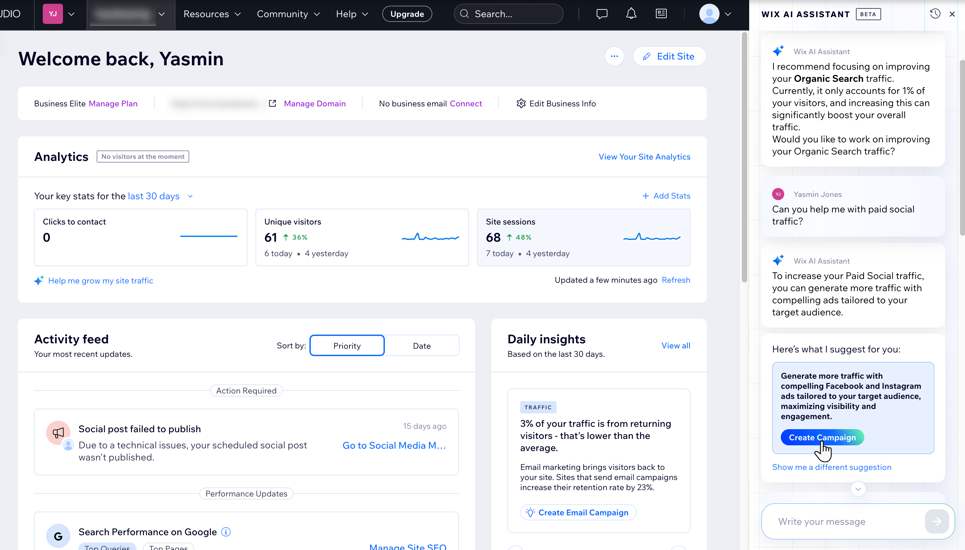
Increase traffic through paid social media campaigns. Create Facebook and Instagram ad campaigns tailored to your target audience to increase visibility and engagement.
Type "Yes" to confirm.
Click Create Campaign to start creating an ad campaign.
Tips:
Request alternative recommendations by clicking Show me a different suggestion.
If you want to see other options, you can also type "What else can you do?" in the chat. Don't worry if you don't see all these options offered–the recommendations may differ based on your site and traffic data.
FAQs
Click a question below to learn more.
Can I view my chat history with the AI Assistant?
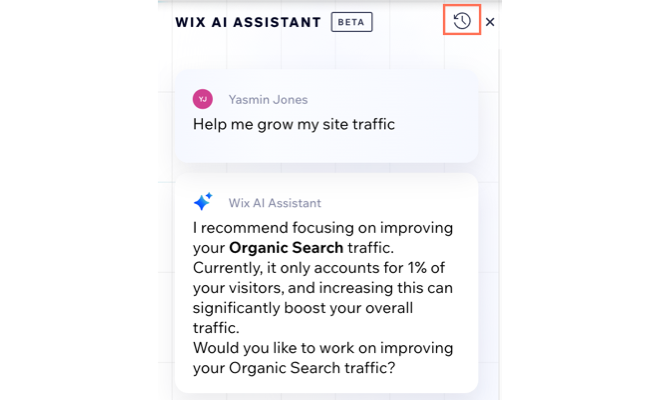
Yes, you can view your chat history by clicking the Show History icon

at the top of the AI Assistant.
Note: The chat history saves all conversations you and your team had with the AI Assistant. All chat history is shared and visible to all site collaborators.
Does the Wix AI Assistant automatically make changes to my site?
No, the AI Assistant does not automatically make any changes to your site for you. For example, if it recommends adding a subscribe form to your site, you need to actively click the Add Form button to start setting it up.
This article is credited to the Wix team - https://support.wix.com/ and we thank them for that!
