As an admin of your organization's Google Workspace, you can choose to allow or disallow users to change their photo and profile information.
To allow users to change their photo and profile information:
Log into your Google Workspace admin console.
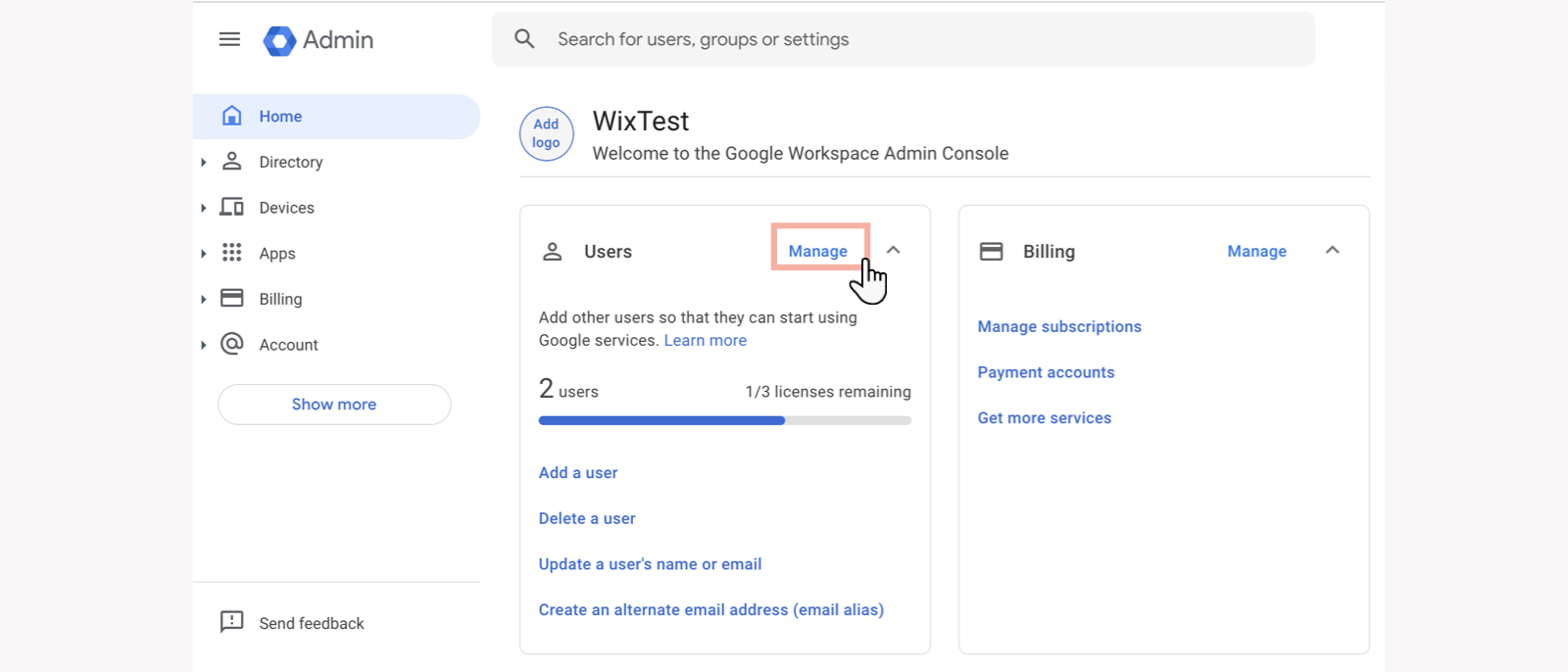
Click Manage next to Users.
Click More options.
Select Allow users to edit profile.
Select the checkboxes next to the information you want to let users change (e.g. name, photo, gender, etc).
Click Save.
Notes:
Options to update users' Name, Photo, and Gender are disabled by default. Only a Google Workspace admin can enable those options for non-admin users.
Any changes may take up to 24 hours to complete.
See further information on Google's support site.
This article is credited to the Wix team - https://support.wix.com/ and we thank them for that!
