Wix's AI agents are designed to make managing your site and business easier and more efficient. By using these agents, you can automate various tasks, gain valuable insights, and improve your overall site management. Here’s an overview of the main AI agents available to you in your dashboard.
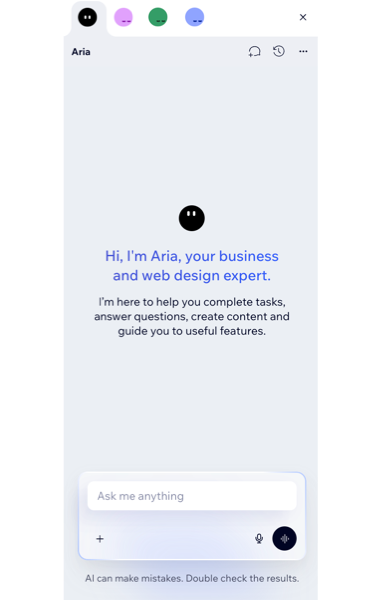
Chat with the AI agents:
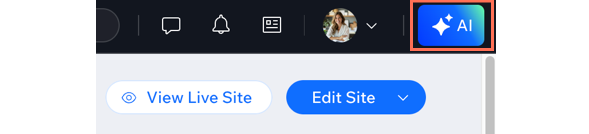
Click the AI Agents button at the top right of your dashboard to open the AI Agents chat panel. From there, you can switch between the different agents you added to ask questions and work on different tasks. AI agents will be shown there only once they are set up on your site.
Manage your site with Aria
Aria is your AI partner for building and managing your Wix site. She's there to help you with site setup, business management, and growth strategies. She can answer questions, complete tasks, assist with analytics, and provide guidance on how to manage and grow your business.
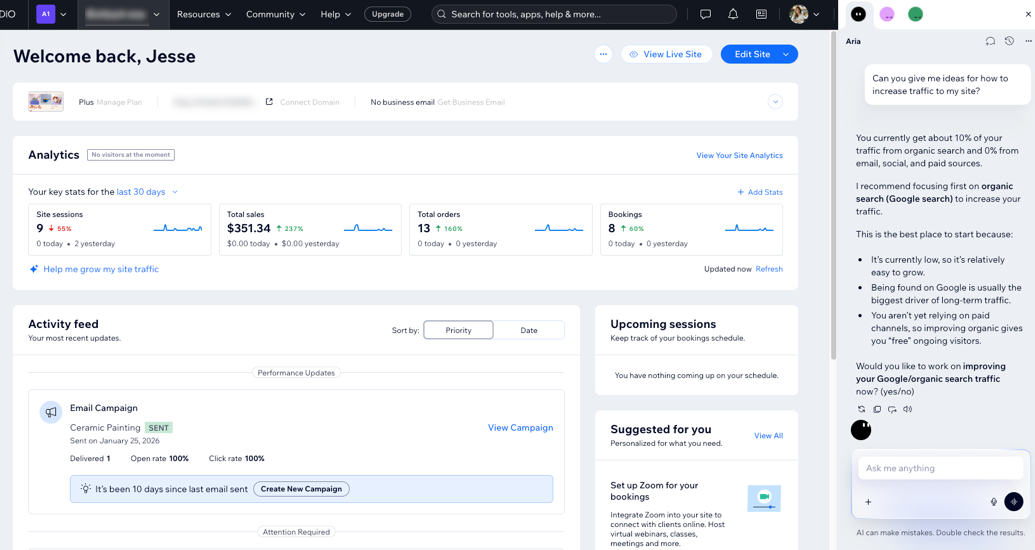
You can also start a chat with Aria from the Ask me anything box on your dashboard Home page.
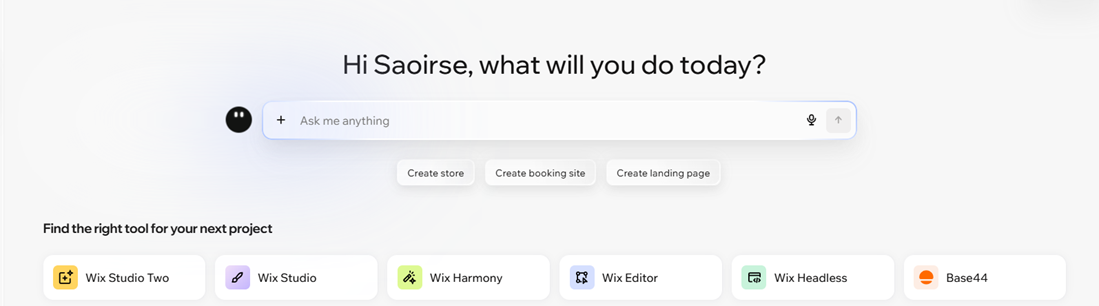
Using Wix Harmony?
In the Wix Harmony Editor, Aria can also help you design and customize your site. Learn more about working with Aria.
Boost your marketing efforts with Kleo
The Marketing Agent, Kleo, helps you manage and optimize your marketing efforts to attract more traffic. Kleo uses various Wix services to enhance your marketing capabilities (e.g. SEO, email marketing, social media marketing, and paid ads) and creates a customized marketing plan tailored to your needs.
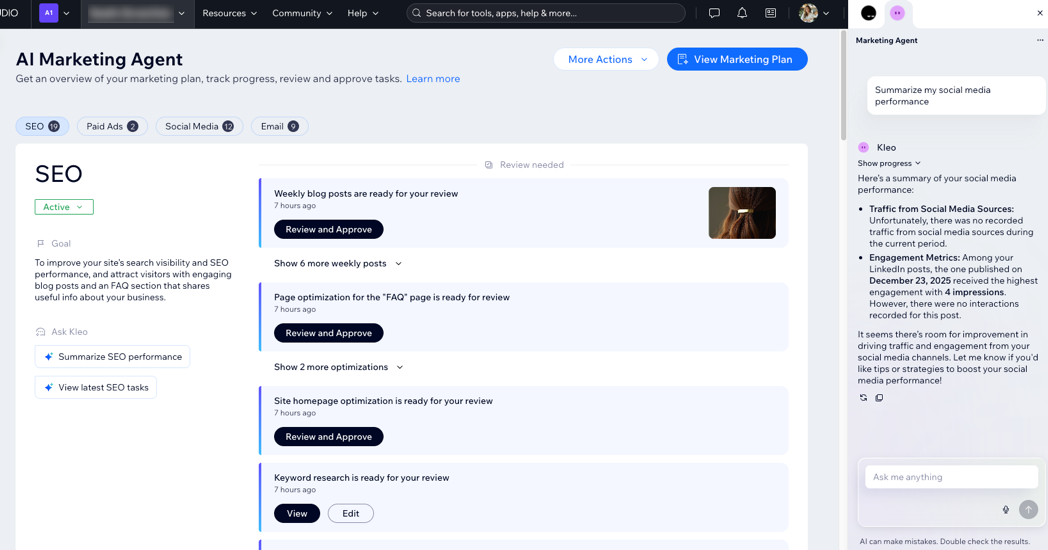
Discover how the Marketing Agent can enhance your marketing efforts.
Answer every call with Alfred
Alfred, your AI Phone Agent, answers calls for your business 24/7 and lets you know when a caller needs follow-up. It can take messages, send SMS links after calls, and notify you when a caller mentions something important. After each call, Alfred creates a summary, sentiment tag, and transcript so you can review conversations quickly.
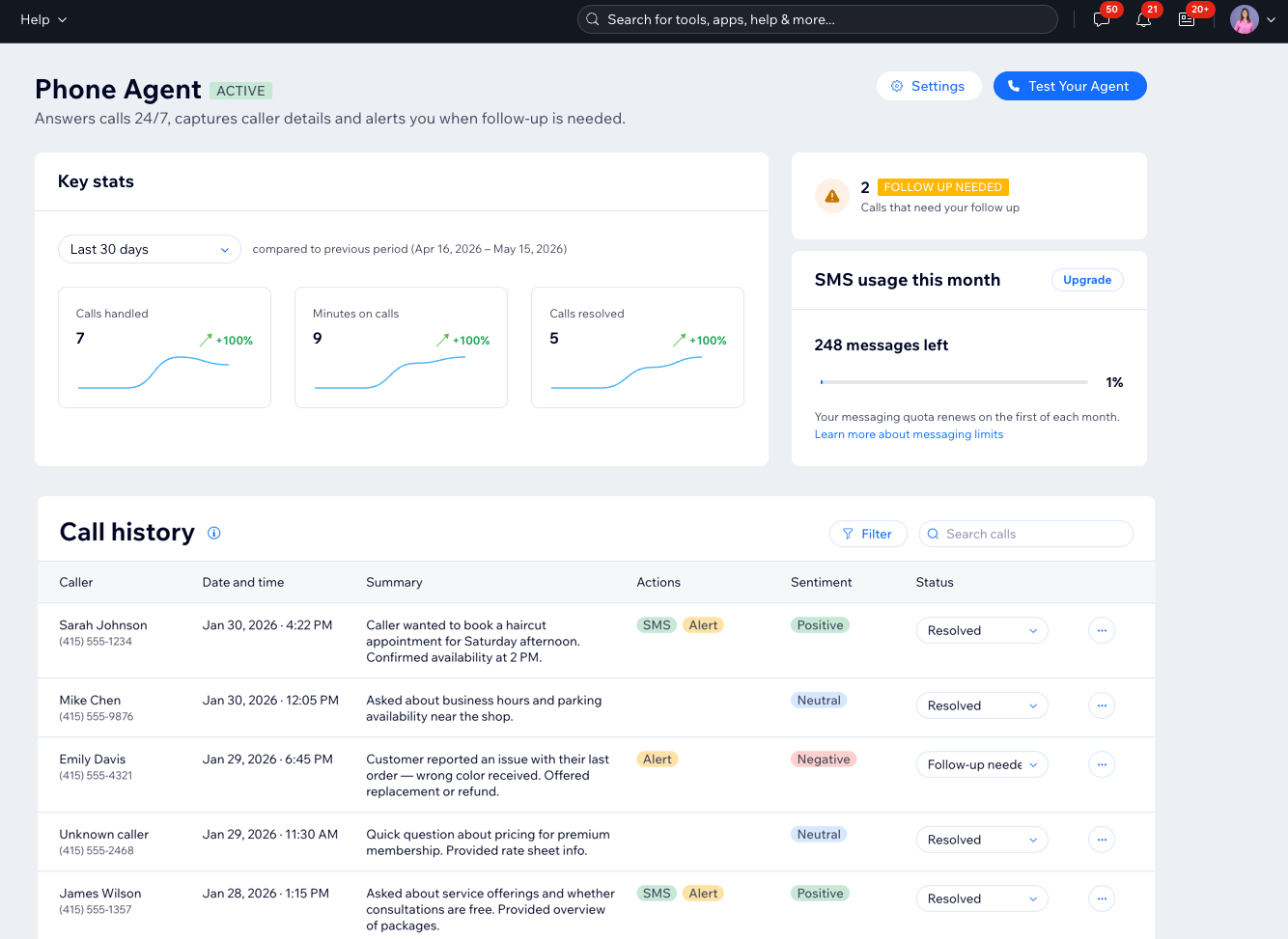
Learn how to set up and manage the Phone Agent.
Create designs with the Design Agent
The Design Agent, your AI design partner, creates the visuals your site and your marketing need. Ask it for banners, social posts, promo videos, logos, or a full brand kit, and it saves them straight to your site, ready to use anywhere.
It also suggests designs based on your site and upcoming holidays, so you always have something new to publish.
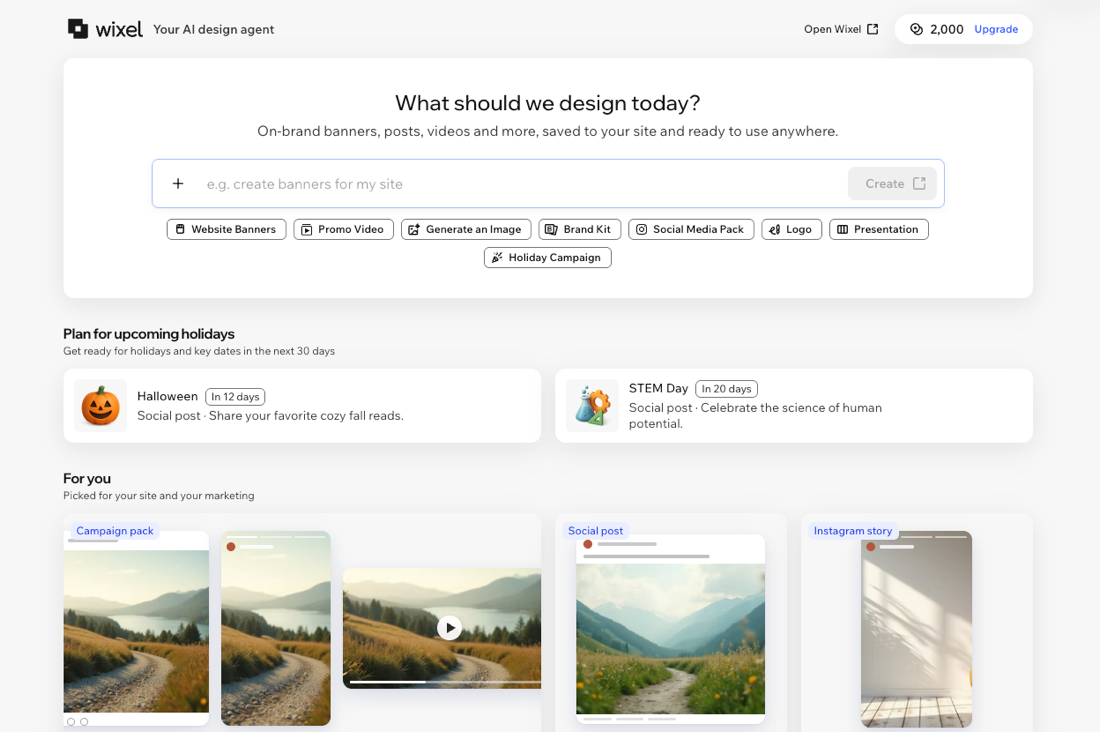
Learn more about working with the Design Agent in Wixel.
FAQs
Click a question to learn more.
What kinds of tasks are best for each agent?
Each agent has its own speciality in managing your site and business:
Aria is best for questions about your site, content, and setup.
Kleo is best for planning and improving your marketing.
Alfred is best for answering calls, taking messages, and flagging calls that need follow-up.
The Design Agent is best for creating on-brand visuals for your site and marketing, such as banners, social posts, and logos.
What's the difference between using the chat panel and the dashboard?
To begin using the agents, you need to onboard and configure them from the dashboard. This is where you connect the right tools (e.g. marketing channels or integrations), set goals, and review or adjust the agent’s ongoing activity. Aria is ready to use right away, but the other agents need to be set up on their own pages before they can start working for you.
Once they're onboarded, you can use the chat to ask questions, initiate tasks, and review the agent's activities. These actions may vary depending on the agent's capabilities.
Tip:
To get to the agent's respective dashboard from the chat, click the More Actions icon

at the top right of the chat and click Go to Dashboard.
How do I use the chat with Aria?
Use the options in the chat to send messages, share files, and manage your conversations:
Send a message: Type your message in the text box or click the Dictate icon

to voice your message.
Share files and images: Click the Add icon + to upload images or files from your computer.
Start a new chat: Click the New Chat icon

to start a conversation on a different topic.
View your chat history: Click the Chat History

icon to view your past chats.
Use Voice Mode: Click the Voice Mode icon

to have a natural conversation with Aria.
Note: These options are currently not available for other AI agents.
Why can't I see an AI agent in the chat panel?
You only see AI agents in the chat panel after they are set up for your site. If an agent does not appear, it usually means you have not onboarded them yet.
Click AI Agents on the side panel, select the relevant agent, and complete the onboarding steps. Once this is done, you'll see the agent appear in the chat.
Who can view my AI chat history?
Your chat history is only visible to you. Each site collaborator can only see their own history.
Can I talk to the AI agents instead of typing?
Yes, you can use the dictate option to speak your request instead of typing it. When you chat with Aria, you can also use Voice Mode to have a more natural, back-and-forth conversation.
Can I use the agents on the Wix app & Wix Studio app?
Yes, go to your site or relevant workspace in the app and tap AI Chats at the bottom to open the chat panel.
Does using the AI agents cost money?
It depends on the agent. Some agents use AI credits, while others are free.
This article is credited to the Wix team - https://support.wix.com/ and we thank them for that!
