For a site to be accessed online, it needs to have a web address. This is your site's domain name. It is the unique, virtual address for your website (for example, www.mystunningwebsite.com).
You can use your domain to create business emails (for example, mail@mystunningwebsite.com) and to create subdomains on your site (for example, blog.mystunningwebsite.com).
Video tutorial
Check out this video tutorial or scroll down to read the full article.
About your Domains page
Easily access all of your domains in your Wix account. From your Domains page, you can:
Add an Existing Domain: Connect or transfer a domain you already own to Wix. Learn more about connecting and transferring domains.
Buy a Domain: Learn more about purchasing a domain from Wix.
Get a Business Email: Learn more about purchasing a business email through Wix.
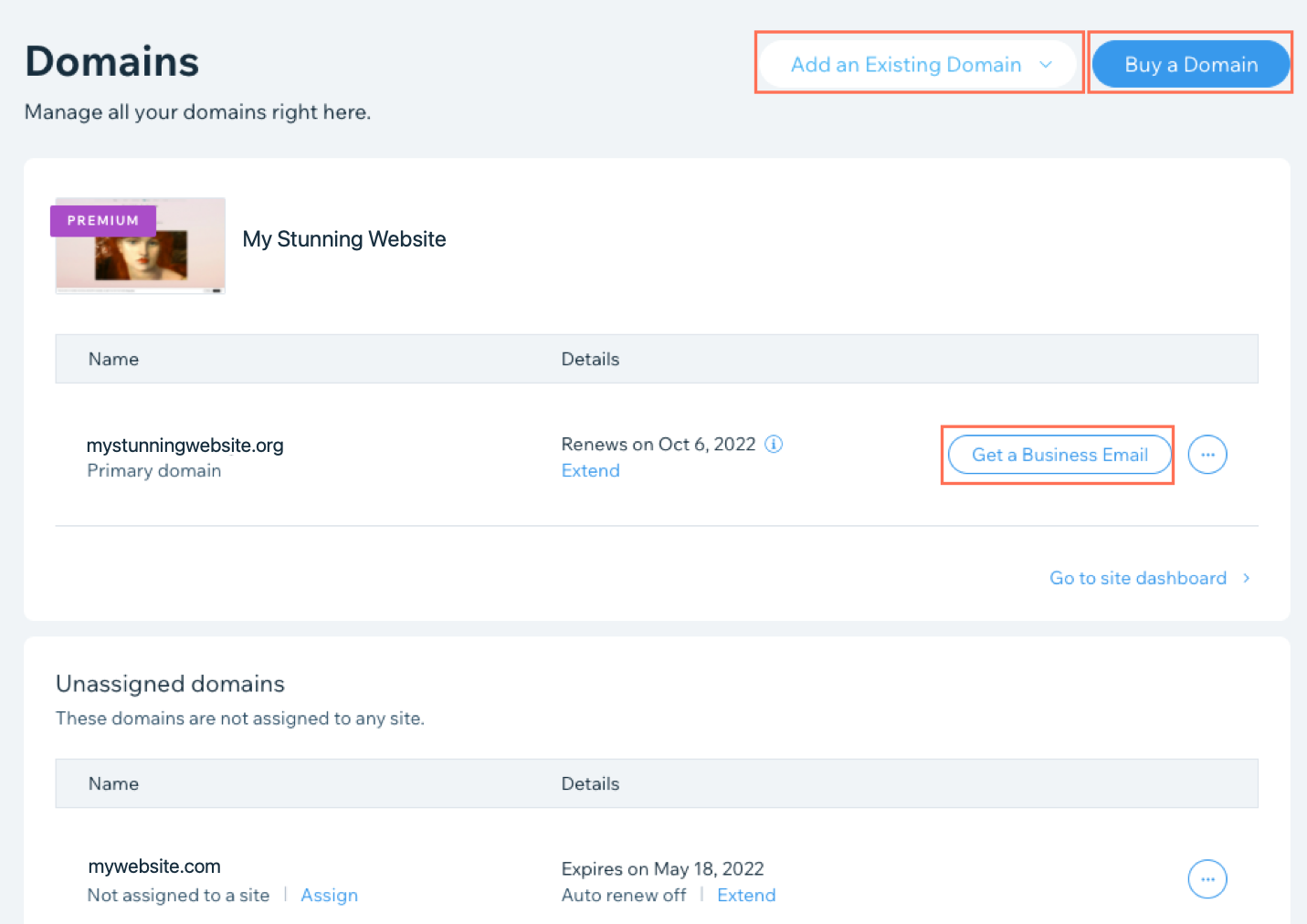
You can also edit your contact information, assign/unassign a domain to a site, transfer a domain away from Wix, and edit your MX or DNS records.
Depending on your previous domain purchases, your Domains page may also contain some or all of the following sections:
Assigned Domains
These are all the domains which are active in your account and assigned to a site. You can also see the expiry and payment renewal dates for your domain.
Unassigned Domains
These are the domains you own, but which are not currently assigned to a site.
Inactive Domains
If you have expired or inactive domains in your account, they will be shown in this section. An example of an inactive domain could be a domain you have owned in the past, but which have since been made available again for any customer to purchase. If you have an expired domain, you can check the availability by clicking Check Domain Availability.
You can attempt to repurchase these domains, but it is not guaranteed that you will be able to do so. Learn more about domain life cycles.
Wix
Sign in to your Wix account.
Click the user panel at the top right.
Click Account Settings.
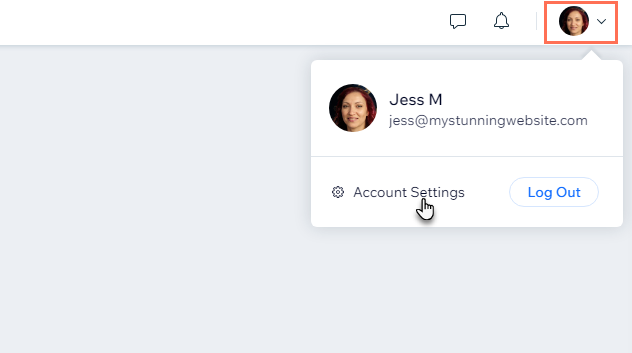
Click Domains in the menu on the left.
Wix Studio
Sign in to your Wix account.
Go to Sites in your Wix Studio workspace.
Go to Billing & Subscriptions then Domains in the menu on the left.
This article is credited to the Wix team - https://support.wix.com/ and we thank them for that!
